One Studio for Site Design,
Presentation Slides, Pages, and AI Visuals.
Professional-grade creative tools, in one place.
All-In-One Integrated Workspaces
Site Design
Generate fully structured, multi-section websites from a single prompt. Choose from over 20 design categories — SaaS, editorial, portfolio, e-commerce — and produce production-ready layouts with real content, responsive structure, and high-fidelity aesthetics.
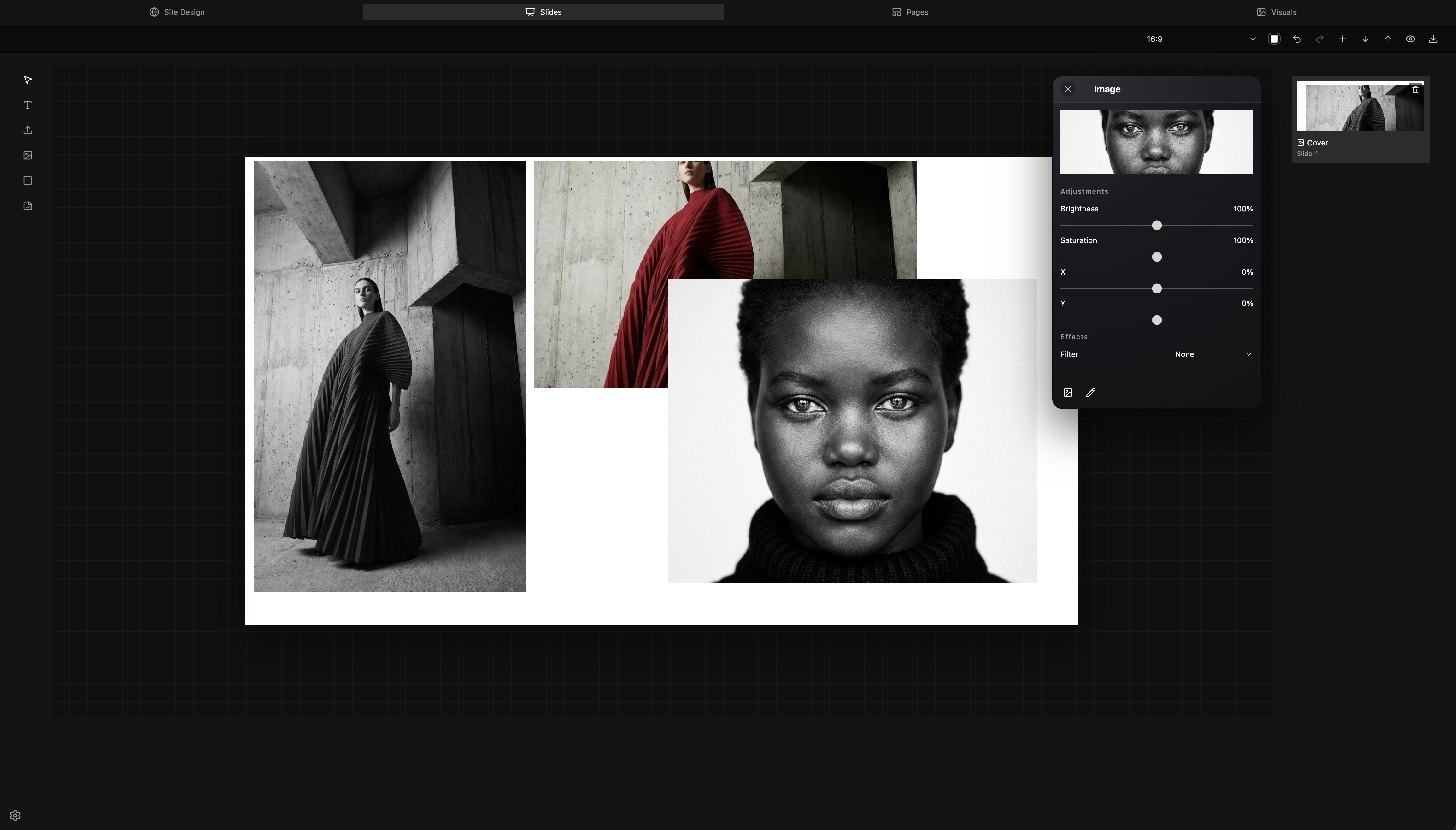
Slides
Build polished presentation decks — pitch decks, sales decks, executive updates, and workshop materials. Each slide is generated with intentional layout hierarchy, consistent branding, and professional typography across multiple aspect ratios.
Pages
Design multi-page editorial layouts for magazines, posters, and publications on an infinite canvas. Precise grid systems, alignment guides, and multi-page management give you the architectural control of traditional desktop publishing in a modern browser environment.
Visuals
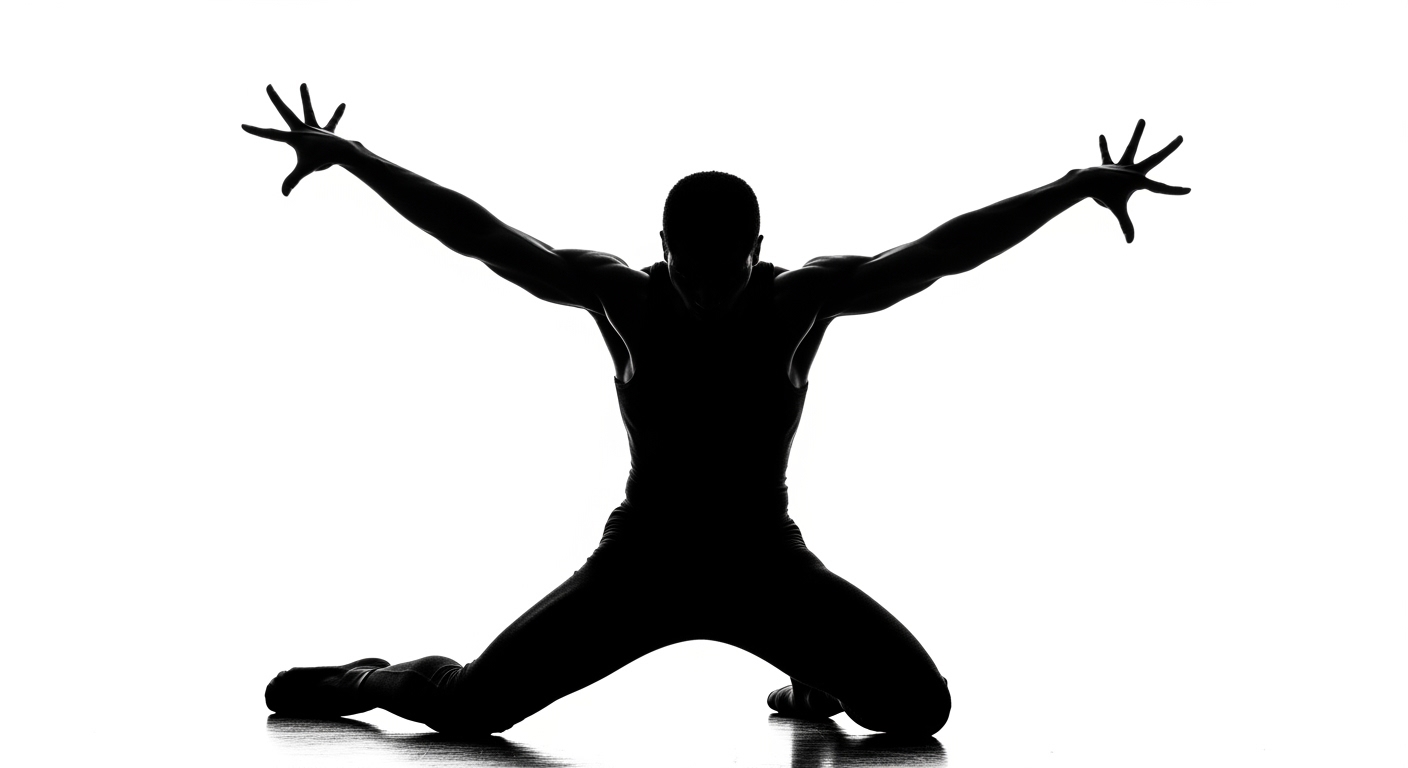
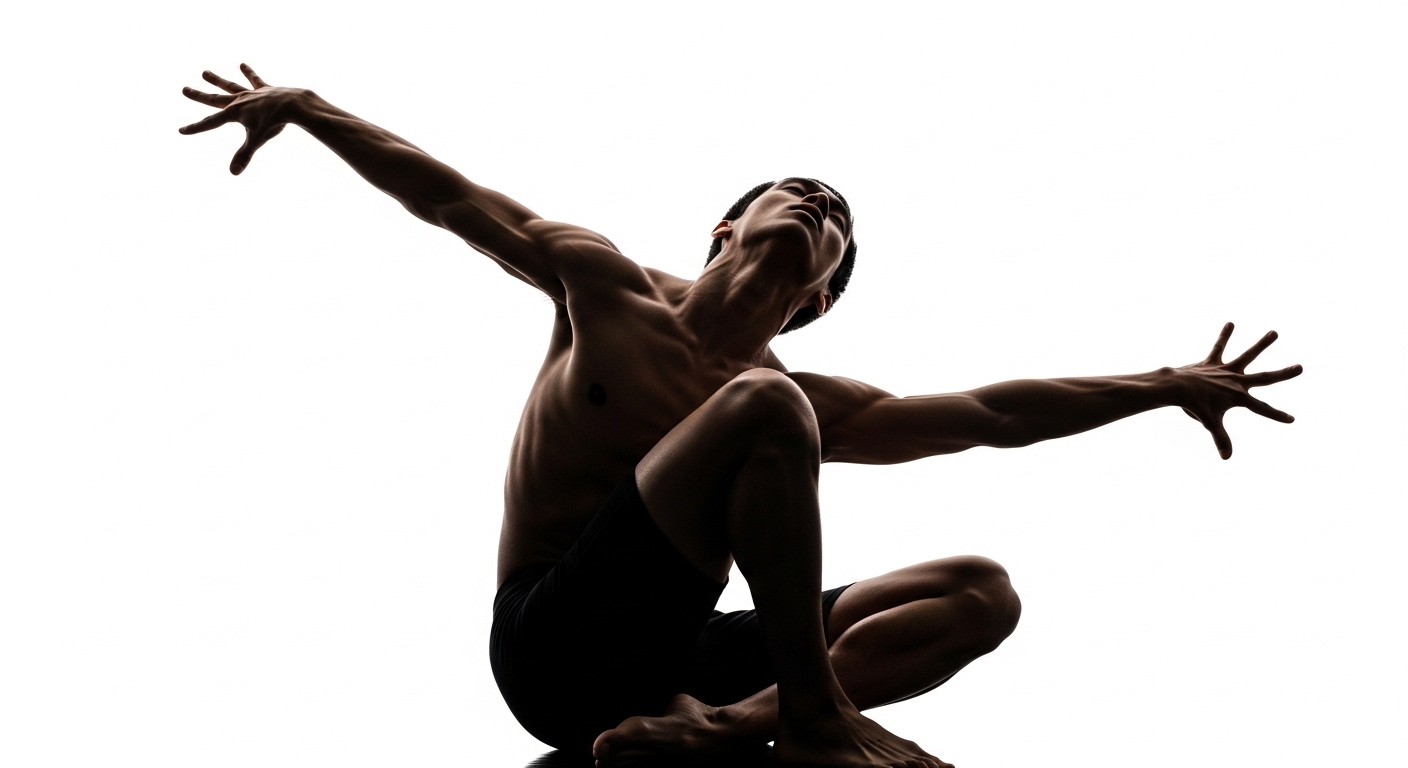
Generate high-fidelity raster and vector assets directly inside the studio. From social media graphics and digital ads to concept art and product shots — create, edit, and place visual assets without leaving the canvas.
Super Fast Image Generation
Powered by Nano Banana 2
Variations
Generate multiple interpretations of a single prompt simultaneously. Explore diverse aesthetic directions in seconds.
Remix
Take any variation and refine it. Adjust context, style, or composition without losing the core essence of your initial creation.
Professional Control
Preview, delete, and manage each selection. Download high-resolution assets ready for professional print or digital use.
Send to Pages
Send any generated visuals directly to the Pages Canvas. Automatic placement and scaling for instant workflow integration.


AI Site Generation
Generate fully structured, multi-section websites from a single prompt with over 20 design categories including SaaS, editorial, portfolio, and e-commerce.
Presentation Builder
Build polished slide decks — pitch, sales, executive, and workshop formats — with consistent branding and professional typography across multiple aspect ratios.
Multi-Page Canvas
Design complete multi-page publications on an infinite canvas with drag, resize, layer control, alignment guides, and snap-aware placement.
AI Image Generate + Edit
Generate new visuals from prompts and run AI edits directly on selected canvas images, with version history controls built in.
Visual Asset Studio
Create social media graphics, digital ads, concept art, and product shots in multiple aspect ratios — all generated and refined within the workspace.
Grid System
Use preset layout grids and custom grids with adjustable columns, gutter, and margins for precise editorial structure across every page.
Typography Controls
Style text with OpenType controls, alignment, tracking, spacing, gradients, and image fills for editorial-quality compositions.
Theme Categories
Choose from over 20 curated design categories — brutalist, glassmorphism, bento, magazine, dashboard — to steer AI output toward specific aesthetics.
Export
Export your work in multiple formats, including HTML, PDF, and image outputs for print, sharing, and digital publishing workflows.
Session-Based Workflow
Every workspace in MagXStudio saves your work automatically. Close the tab, step away for a day, come back after a weekend — your canvas, your layouts, your generated visuals are exactly where you left them. No save button. No export required before you close.
The moment you make a change, it's captured. A 1.5-second auto-save runs silently in the background across all four workspaces — Site Design, Slides, Pages, and Visuals. Drafts are preserved for 7 days, surviving browser closes, refreshes, and system restarts without any action required on your part.
When you return, your work is restored instantly. A brief banner confirms the restore. From there, continue immediately, or discard and start clean. A designer can start a layout Tuesday morning, step into meetings, and return Thursday to exactly the same canvas. A creator can generate a set of visuals, close the tab, and re-open to the same session days later.
Your session waits for you. Not the other way around.
No cloud account required for draft persistence. Your workspace state is held locally and privately — available for a full week before expiring. Account-linked cloud saves for permanent, device-synced project storage are coming with the full account system.
Work in Parallel
Most creative work doesn't fit into a single category. A marketer builds a campaign — and needs a landing page, a slide deck, images, and a visual layout, all for the same project. A designer pitches a client — and moves from a site mockup to a presentation to a printed one-pager without breaking stride. A creator publishes content — and goes from generating visuals to composing layouts to sharing a polished deck, all in one session.
MagXStudio is built for that reality. Every workspace — Site Design, Slides, Pages, and Visuals — is available from a single tab, without switching tools or losing context. You decide what you need and when you need it.
A marketer can design a landing page, generate on-brand imagery, build a campaign deck, and lay out a one-pager — without leaving. A designer can move between canvas layouts, presentation formats, and visual generation in the same session. A content creator can generate, arrange, and publish without the usual handoff friction.
One tool. Every format. No switching tools.
Work in parallel doesn't mean working with others — it means being able to work across every dimension of a project, as one person, without walls between your tools.
Cloud-Based. No Software Downloads.
MagXStudio runs entirely in your browser. There's nothing to install, no license to activate, no update cycle to manage. Open a tab, sign in, and your full workspace is there — exactly where you left it.
Your projects, assets, and settings are stored securely in the cloud. Switch from a desktop to a laptop to an external monitor — your work follows you, not the other way around. No syncing, no file transfers, no version mismatches.
For marketers, designers, and creators who work across devices or move between environments, this matters. A campaign started at the office is ready to review on the road. A layout built in the morning is exactly the same when you return to it at night.
Your browser is your studio.
No disk space consumed. No plugins to update. No compatibility issues between operating systems. Just a modern, capable creative environment available anywhere you have a connection.